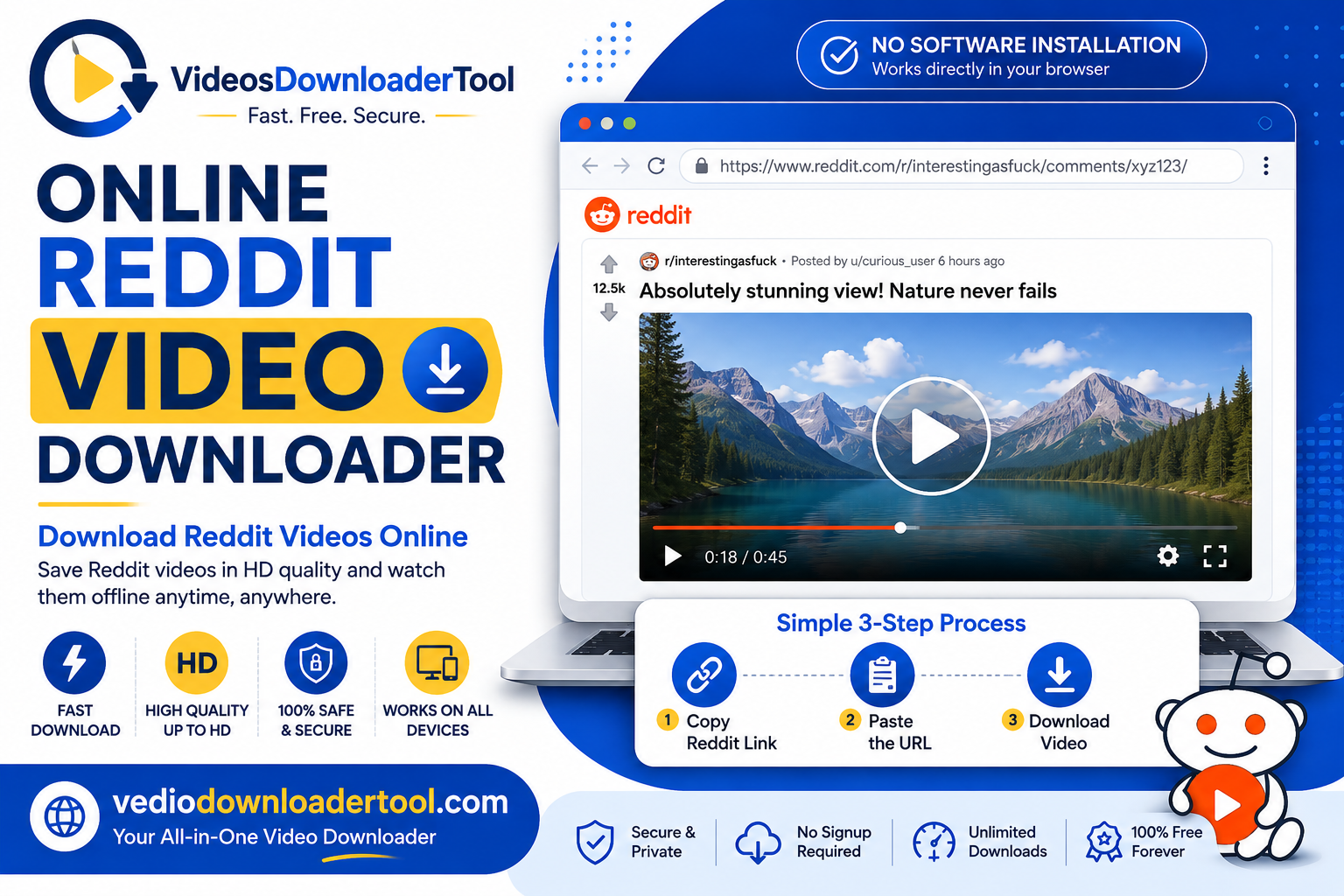
Reddit has a lot of videos that’re really worth keeping, like cool gaming moments, funny stuff, tutorials and news clips.. Reddit does not have a way to save these videos. That is where a Reddit video downloader on the internet comes in. You do not have to record your screen or add something to your browser. just put the link to the post into a tool on the web. You get a video file in just a few seconds.
This guide is, for people who want to keep a video from Reddit on their computer or phone. This includes students who want to save things they need to study people who are doing research and want to keep track of what people’re talking about or people who just want to watch a video again without having to look for it on Reddit. Below I will tell you how to do it with steps to follow what devices you can use, what problems you might have and what you need to know about copyright before you download a Reddit video.
Quick Answer
An online Reddit video downloader is a tool that works in your web browser. It saves videos that’re on Reddit to your computer as MP4 files. You copy the link from the Reddit post. The tool finds the video that’s, inside the post. Then you get the video on your device. You do not need to install any program. Do not need to have an account. You do not need to add any tool to your browser.
What Is an Online Reddit Video Downloader?
In short: it’s a web tool that converts a Reddit-hosted video into a file you can keep and watch offline. Instead of a live stream tied to the post, you get a standalone MP4 saved to your device.
You’d typically need this when a video is buried in your scroll history, when you want to reference a clip later without an internet connection, or when you’re compiling material for a project or presentation. The appeal is speed and simplicity — no extension permissions, no desktop app.
The main limitation is that the tool only works on Reddit’s own hosted video format (v.redd.it); videos embedded from YouTube or other platforms need their respective downloaders instead. Deleted posts, removed content, or restricted communities also can’t be accessed.
As with any downloader, responsible use matters. Reddit hosts a mix of original user content and reposted material that may belong to someone else — a sports clip, a news segment, a copyrighted broadcast moment. Downloading your own posts, openly shared content, or material the original creator has approved for saving is fine; reposted copyrighted clips are better left to stream rather than download and redistribute.
How Does an Online Reddit Video Downloader Work?
The process is a short, repeatable sequence:
- You copy the Reddit post’s URL from your browser’s address bar or the share button.
- You paste that link into the downloader tool.
- The tool detects the Reddit-hosted video within the post.
- It fetches the available resolutions and a preview thumbnail.
- You select your preferred video quality.
- The tool packages the video (and, where needed, merges the separate Reddit audio track) into a single MP4 file.
- Your browser saves the file to your default downloads folder.
Because it runs entirely in-browser, it works the same way on Chrome, Firefox, Safari, and Edge, with no extensions to install.
How to Use the Online Reddit Video Downloader
Follow these steps:
- Open Reddit and find the video post you want.
- Copy the post’s link (via the address bar or the Share button).
- Visit VideosDownloaderTool.com.
- Paste the URL into the input field.
- Click Download.
- Select your preferred video quality.
- Wait a few seconds for processing.
- Save the file to your device.
The whole process usually takes under a minute.
Features of Our Online Reddit Video Downloader
- Free to use, with no hidden charges
- No software installation — everything runs in the browser
- Fast downloads, even for longer Reddit clips
- HD support up to the original upload’s resolution
- Multiple resolution options to balance quality and file size
- Mobile-friendly design for Android and iPhone browsers
- Desktop compatible across Windows, macOS, and Linux
- Browser-based, so there’s nothing to update or maintain
- Secure processing with no video data retained afterward
- Simple interface built for quick, first-time use
Benefits of Using an Online Reddit Video Downloader
- Offline viewing when you don’t have a reliable connection
- Easy sharing of a saved file outside Reddit’s platform
- Educational reference, keeping useful clips on hand
- Support for research, letting you archive discussion-relevant media
- High-quality downloads without re-encoding losses
- No installation compared to desktop download managers
- Cross-device compatibility between phone, tablet, and computer
- Time savings versus manually screen-recording a clip
Common Reasons People Download Reddit Videos
- Saving educational discussions for later review
- Keeping tutorials for step-by-step reference
- Archiving funny clips worth rewatching
- Collecting gaming highlights from favorite communities
- Saving news clips shared in relevant subreddits
- Keeping sports moments discussed in fan communities
- Gathering creative inspiration for design or content work
- Preparing videos for offline viewing while traveling
- Supporting academic or professional research
- Compiling clips for presentations or internal training
Supported Devices and Browsers
| Platform | Supported | Notes |
| Windows | Yes | Works in any modern browser |
| macOS | Yes | Full Safari and Chrome support |
| Linux | Yes | Works via Chrome or Firefox |
| Android | Yes | Mobile browser downloads supported |
| iPhone/iOS | Yes | Safari and Chrome both supported |
| Chrome | Yes | Fully supported |
| Firefox | Yes | Fully supported |
| Edge | Yes | Fully supported |
| Safari | Yes | Fully supported on desktop and mobile |
Common Problems and Solutions
Invalid URL error — Make sure you copied the full Reddit post link, including “https://” at the start.
Slow downloads — Usually tied to your internet connection or a large source file; try a lower resolution if this happens often.
Unsupported Reddit posts — Some posts embed video from other platforms (YouTube, Twitch clips) rather than hosting it natively, which this tool can’t process.
Deleted posts — Once a post or its video is removed, no downloader can retrieve it.
Private or restricted communities — Videos in private or quarantined subreddits generally can’t be accessed by any external tool.
Browser issues — Clearing your cache or switching browsers usually resolves display glitches.
Connection problems — A stable connection is needed for the whole download; switching networks mid-download can cause it to fail.
Interrupted downloads — Simply restart the process, since most tools don’t resume partial downloads.
Best Practices When Downloading Reddit Videos
- Respect copyright — download only your own content, openly licensed material, or clips the original poster has approved for saving.
- Download only when permitted by the content owner and Reddit’s terms.
- Use a secure connection, particularly on public Wi-Fi.
- Choose an appropriate quality based on your storage and intended use.
- Organize saved videos into folders for easy retrieval later.
- Keep your browser updated to avoid playback or compatibility issues.
- Respect Reddit community guidelines, including rules individual subreddits set around reposting or redistributing content.
Online Reddit Video Downloader vs Other Download Methods
| Method | Speed | Ease of Use | Installation | Video Quality | Security |
| Online Downloader (this tool) | Fast | Very easy | None | Up to HD | High |
| Browser Extensions | Moderate | Easy | Required | Varies | Depends on source |
| Desktop Software | Moderate | Moderate | Required | Often high | Varies |
| Screen Recording | Slow | Moderate | Sometimes | Lower (re-encoded) | High |
Browser-based downloading tends to be the most convenient option since there’s no extension to install or software to keep updated.
Frequently Asked Questions
Is an Online Reddit Video Downloader free?
Yes, the tool is free to use with no subscription, sign-up, or hidden fees for standard downloads.
Can I download Reddit videos in HD?
Yes, as long as the original upload supports higher resolutions, you can select those quality options before downloading.
Is downloading Reddit videos legal?
It depends on the content. Downloading your own posts or openly licensed material is fine; saving reposted copyrighted clips without permission isn’t, so consider the source before downloading.
Can I download videos from private Reddit communities?
No. Videos in private or restricted subreddits are protected by Reddit’s access controls and can’t be reached by external tools.
Does it work on mobile?
Yes, it works directly in mobile browsers on both Android and iPhone with no app installation required.
Conclusion
An online Reddit video downloader helps you keep clips that’re worth holding onto. Whether thats for studying, researching or just watching again later without searching through your feed. The process is fast: copy the link pick a quality and download. The one thing to remember is where the content is, from. Stick to your posts, clips that are shared openly or material that you have permission to save and watch the rest directly on Reddit. If this tool was helpful VideosDownloaderTool.com also works with other websites.
If you’re looking for another online video downloading solution, you can also explore SaveFrom. It offers browser-based downloading for supported platforms without requiring software installation. Compare its features with VideosDownloaderTool to choose the option that best fits your needs.
Leave a Reply