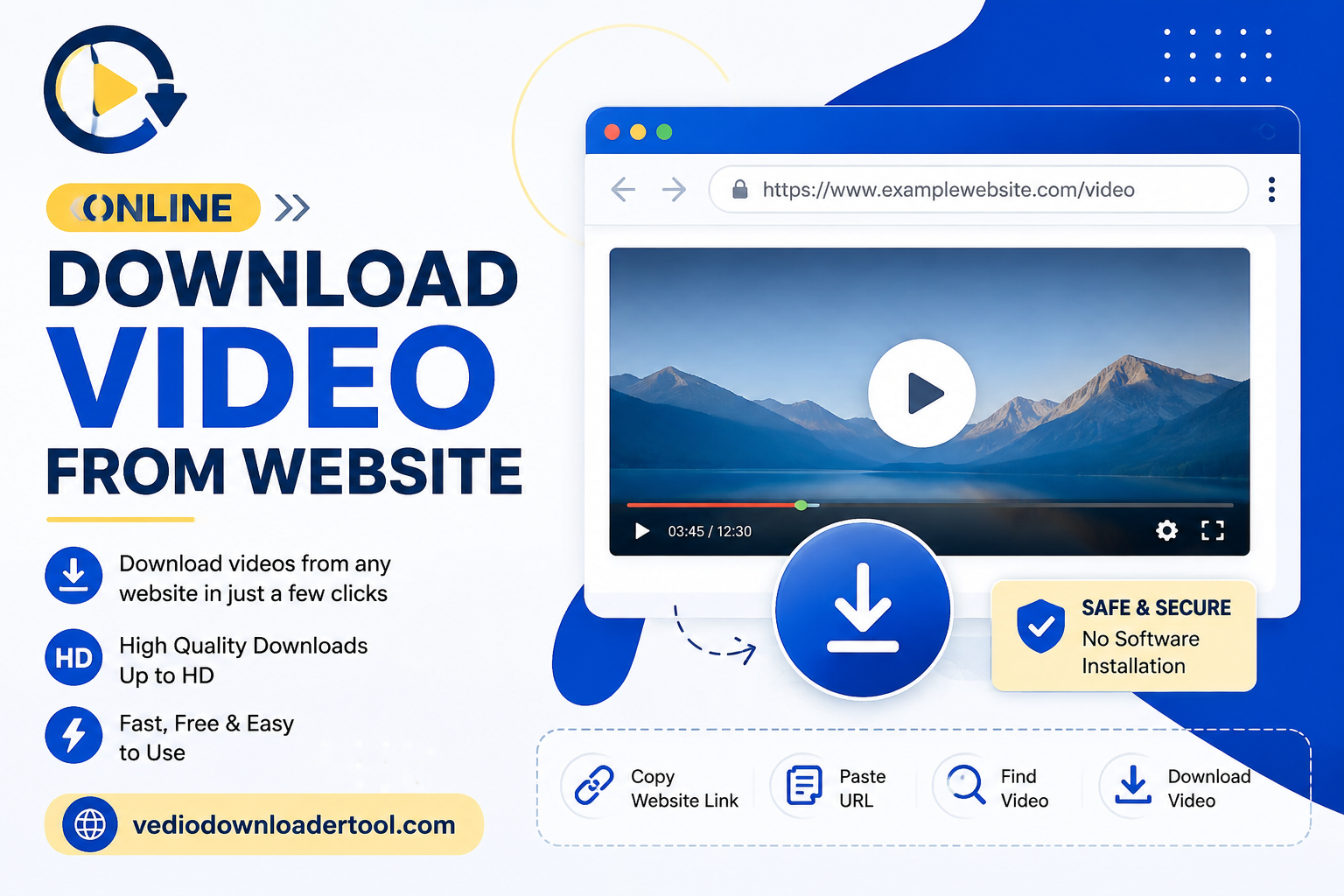
Online download video from website-Not every video you find online has a download button. Sometimes it is placed inside a blog post, a course page or a news article and the only choice the website offers is “play.” An online website video downloader fixes that by allowing you to copy the web pages URL and take the video out as a MP4 file. No browser extension, no software, no complicated steps.
This guide is, for anyone who has faced that problem: students keeping lecture recordings marketers saving webinar content researchers storing reference clips or just someone who wants a video to have without needing the page to load again. Below you will find how the process works, detailed steps, device support, typical problems and some copyright information to remember before you save anything.
Quick Answer
Online download video from website refers to using a browser-based tool to save a video embedded on a webpage as an MP4 file, without installing software. You paste the page’s URL, the tool detects the video source, and you choose a quality to download — all directly in your browser.
What Is Online Download Video from Website?
In simple terms: it’s the technique of getting a video from a webpage and storing it locally – rather than the page remaining online or the video streaming on. You copy the link, the program looks for a video that can be played at this link and you receive a file.
It will be useful if a video doesn’t offer a download link, if you need to download it while traveling or if the internet connection is weak, or if you’re collecting videos for a project. This usually takes less than a minute and will work on most of the publicly accessible pages.
What’s limited is that most streaming videos (behind logins, DRM or paywalls) cannot be extracted this way, so the tool is only useful for HTML5 video sources that are publicly viewable.
As in all other areas, copyright is a matter. There are many videos on websites that are freely available: tutorials, public webinars, open-license content, etc. but there are also many other videos that are not yours to give away. It is okay to download your own uploads, content that is available for open licence or content which has been made downloadable by a site owner. If not, any other type of content, it is worth looking into the source’s terms before saving a copy.
How Does an Online Website Video Downloader Work?
Here’s the basic sequence:
- You copy the webpage’s URL from your browser’s address bar.
- You paste that link into the downloader tool.
- The tool scans the page for embedded or publicly accessible video streams (typically HTML5 video sources).
- It retrieves the video’s available resolutions.
- You select your preferred quality.
- The tool packages the stream into a downloadable MP4 file.
- Your browser saves the file to your downloads folder.
Since everything runs in-browser, it works the same across Chrome, Firefox, Safari, and Edge without needing an extension.
How to Download a Video from a Website
- Open the webpage containing the video.
- Copy the webpage’s URL.
- Visit VideosDownloaderTool.com.
- Paste the URL into the input field.
- Click Download.
- Choose the available video quality.
- Save the file to your device.
That’s the entire workflow, start to finish.
Features of Our Website Video Downloader
- Free to use, with no hidden costs
- No software installation — works entirely in-browser
- Browser-based, so nothing to maintain or update
- Fast downloads, even for longer videos
- HD support up to the source’s original resolution
- Multiple quality options to fit your storage and needs
- Mobile-friendly for Android and iPhone browsers
- Desktop compatible across Windows, macOS, and Linux
- Secure processing, with no video data retained afterward
- Simple, clean interface built for quick use
Benefits of Downloading Videos from Websites
- Offline viewing when a page might not stay accessible
- Faster access without needing to reload the original site
- Educational use, keeping lecture or tutorial content on hand
- Business presentations using saved product or training clips
- Research support, archiving reference material locally
- High-quality downloads without noticeable quality loss
- No installation required, unlike desktop-based tools
- Cross-device use between phone, tablet, and computer
- Convenient, quick workflow that takes under a minute
Common Reasons People Download Website Videos
- Saving educational lessons for later review
- Keeping online tutorials as step-by-step references
- Archiving product demonstrations for offline use
- Storing training videos for team onboarding
- Saving business presentations shared via web pages
- Keeping recordings of public webinars
- Supporting academic or professional research
- Gathering creative inspiration from design or content sites
- Preparing videos for offline travel viewing
Supported Devices and Browsers
| Platform | Supported | Notes |
| Windows | Yes | Works in any modern browser |
| macOS | Yes | Full Safari and Chrome support |
| Linux | Yes | Works via Chrome or Firefox |
| Android | Yes | Mobile browser downloads supported |
| iPhone/iOS | Yes | Safari and Chrome both supported |
| Chrome | Yes | Fully supported |
| Firefox | Yes | Fully supported |
| Edge | Yes | Fully supported |
| Safari | Yes | Fully supported on desktop and mobile |
Common Problems and Solutions
Invalid webpage URL — Confirm you copied the complete page link, including “https://” at the start.
Video not detected — Some pages load video through custom players that don’t expose a standard HTML5 source; try checking if the site offers its own download option instead.
Unsupported websites — Pages requiring a login or subscription typically block external tools from accessing the video stream.
Protected streaming videos — DRM-protected content (common on major streaming services) can’t be downloaded through this or any similar tool, by design.
Slow downloads — Usually related to your connection speed or the source file’s size; a lower resolution often helps.
Browser issues — Clearing your cache or trying a different browser typically resolves display problems.
Connection problems — Keep a stable connection throughout the download, since switching networks mid-process can interrupt it.
Interrupted downloads — Restart the process, as most tools don’t resume partial downloads automatically.
Best Practices When Downloading Website Videos
- Respect copyright at all times.
- Download only videos you own, have permission to save, or that are legally available for that purpose.
- Use a secure internet connection, especially on public networks.
- Select a suitable video quality based on your storage and playback needs.
- Keep your browser updated to avoid compatibility issues.
- Organize downloaded files so they’re easy to find later.
Website Video Downloader vs Other Download Methods
| Method | Speed | Ease of Use | Installation | Video Quality | Security |
| Online Downloader (this tool) | Fast | Very easy | None | Up to HD | High |
| Browser Extensions | Moderate | Easy | Required | Varies | Depends on source |
| Desktop Software | Moderate | Moderate | Required | Often high | Varies |
| Screen Recording | Slow | Moderate | Sometimes | Lower (re-encoded) | High |
An online, browser-based tool generally wins on convenience — nothing to install, and no extension permissions to manage.
Frequently Asked Questions
Is an online website video downloader free?
Yes, this tool is free to use with no subscription or sign-up required for standard downloads.
Can I download videos from any website?
Not always. It works well on pages using standard, publicly accessible HTML5 video, but DRM-protected or login-restricted streams can’t be extracted.
Can I download videos in HD?
Yes, provided the source video supports higher resolutions, you can select those options before downloading.
Is downloading videos from websites legal?
It depends on the content and the source. Downloading your own uploads or openly licensed material is fine; copyrighted content without permission generally isn’t, so check the site’s terms first.
Can I use the tool on mobile?
Yes, it works directly in mobile browsers on Android and iPhone without needing an app.
Conclusion
An online website video downloader is a practical way to save videos that don’t come with their own download option — useful for study, research, business, or just keeping a favorite clip on hand. The process is quick: paste the link, pick a quality, and save. The key is being mindful of where the video came from: stick to content you own, have permission for, or that’s openly available, and respect the source site’s terms for everything else. If you found this useful, VideosDownloaderTool.com also supports downloading from a range of specific platforms.
If you’re looking for another online video downloading solution, you can also explore SaveFrom. It offers browser-based downloading for supported platforms without requiring software installation. Compare its features with VideosDownloaderTool to choose the option that best fits your needs.
Leave a Reply