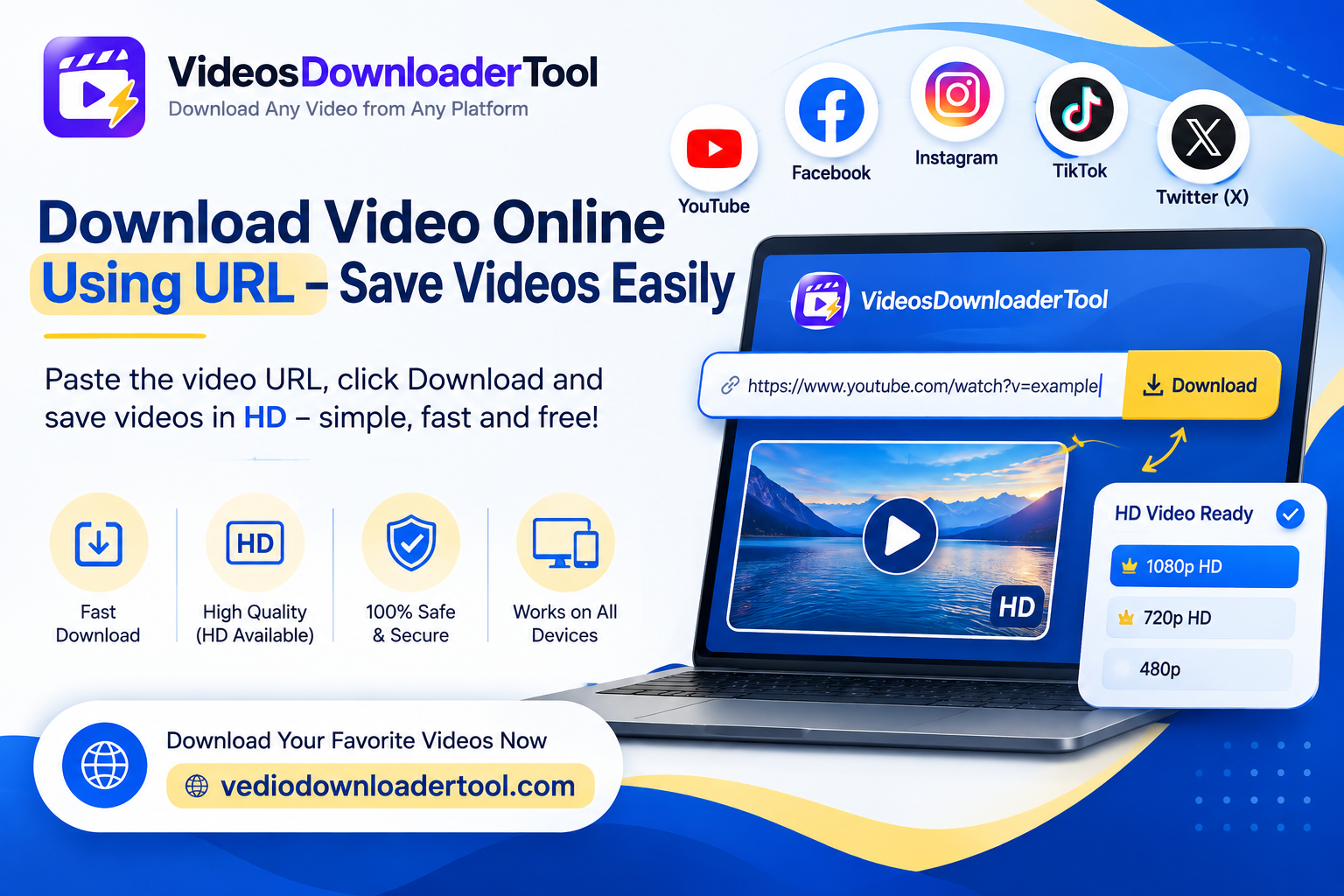
Most videos you find online can’t be saved with a simple right-click. Instead, the fastest route is a URL-based downloader: you copy the video’s link, paste it into a tool, and get back a file you can keep.
This approach is popular with students saving lecture recordings, marketers archiving their own campaign content, teachers building offline lesson libraries, and everyday users who just want something ready to watch without buffering. It works entirely in the browser, so there’s nothing to install and no technical skill required.
This guide explains exactly what it means to download a video online using a URL, how the process works behind the scenes, and how to use VideosDownloaderTool step by step — along with the limitations and copyright considerations worth understanding before you save anything.
Quick Answer
A video URL downloader is an online tool that lets you download videos by copying and pasting a video link. It extracts the available video file and lets you save it, typically in MP4 format, as long as the video is publicly accessible and downloading is permitted.
What Does Download Video Online Using URL Mean?
In short: it means using a video’s web address to pull the underlying video file and save it as a standalone file on your device, instead of only being able to stream it from the original page.
Most video platforms and websites don’t offer a built-in download button for every video, especially ones you don’t own. URL-based downloading fills that gap by letting a tool read the public video data tied to a link and repackage it into a downloadable file.
Why people prefer this method:
- It doesn’t require installing any software or browser extension.
- It works the same way across nearly any site that hosts publicly viewable video.
- It’s fast — most conversions take under a minute.
Limitations to keep in mind:
- The video must be publicly accessible; private or login-protected content isn’t retrievable.
- Some platforms restrict downloading through their own terms of service.
- Being able to download a video technically doesn’t mean you have the right to reuse or redistribute it — copyright still applies regardless of how easy the download process is.
How Does an Online Video Downloader Using URL Work?
In short: you copy a video’s link, paste it into the tool, the tool detects the video information and processes the source, you pick a quality option, and then download the finished file — all within your browser.
Here’s the breakdown:
- Copy the video URL — from the address bar or a share/copy-link option on the site hosting the video.
- Paste the link into the tool — VideosDownloaderTool reads the URL to identify the associated video.
- Detect video information — the tool checks what resolutions and formats are actually available.
- Process the video source — it prepares the file for download based on what it finds.
- Select quality — you choose the resolution that suits your needs.
- Download the video file — typically as an MP4, saved directly to your device.
Because this entire flow happens in the browser, it works consistently whether you’re on Chrome, Firefox, Edge, or Safari, and on both desktop and mobile. An active internet connection is required only during the download itself — once the file is saved, it plays offline like any other video file.
How to Download Video Online Using URL
Here’s the exact process with VideosDownloaderTool:
- Open the website containing the video you want to save.
- Copy the video’s URL.
- Visit VideosDownloaderTool.com.
- Paste the copied URL into the input box.
- Click the Download button.
- Select your preferred video quality.
- Choose MP4 format if multiple options are available.
- Save the video file to your device.
That’s the entire workflow — no account, no software, no extra steps.
Features of Our URL Video Downloader
- Free online access, with no hidden charges for standard downloads.
- No software installation — everything runs directly in your browser.
- Fast processing, so downloads complete in seconds rather than minutes.
- MP4 downloads for broad compatibility across devices and media players.
- HD video support for videos originally uploaded in high resolution.
- Multiple resolution options, letting you balance quality against file size.
- Mobile-friendly design that works just as well on a phone as a desktop.
- Full desktop compatibility across Windows, macOS, and Linux.
- Browser-based operation with no extensions or special permissions required.
- Simple interface — paste the link, choose your options, and download.
- Secure experience with no unnecessary data retention.
Benefits of Downloading Videos Online Using URL
- Offline viewing — watch saved videos without needing a live internet connection.
- Saves time — no need to search for a video again once it’s saved locally.
- Easy access anytime — your files are available whenever you need them, connection or not.
- Works across devices — download on one device, transfer and watch on another.
- No application installation — nothing extra taking up storage or requiring updates.
- Better organization — keep videos sorted into folders that make sense for your workflow.
- Useful for education and presentations — run videos locally without depending on streaming reliability.
- Convenient workflow — the entire process takes just a few clicks from link to file.
Common Reasons People Download Videos Using URLs
- Educational lectures saved for review outside of class.
- Online courses kept for offline study sessions.
- Tutorials referenced repeatedly without needing to search again.
- Training videos used for onboarding or internal company education.
- Business presentations that need to run reliably without live streaming.
- Marketing videos archived for internal review and analysis.
- Research materials collected for academic or journalistic projects.
- Creative inspiration — reviewing publicly shared videos for style and format ideas.
- Travel entertainment — saving videos in advance for flights or areas with limited connectivity.
Supported Devices and Browsers
VideosDownloaderTool is designed to work consistently across common devices and browsers since it operates entirely in-browser.
Devices: Windows, macOS, Linux, Android, iPhone/iPad
Browsers: Chrome, Firefox, Edge, Safari
| Device/Browser | Supported | Experience |
| Windows | Yes | Desktop friendly |
| macOS | Yes | Smooth performance |
| Android | Yes | Mobile optimized |
| iPhone | Yes | Browser access |
| Chrome | Yes | Recommended |
| Safari | Yes | Supported |
Common Problems and Solutions
Invalid Video URL Double-check that you’ve copied the full, correct link directly from the address bar or a share option — partial or shortened links can fail to process.
Slow Download Speed This is usually related to your internet connection, browser performance, or the availability of the original video’s server, rather than the tool itself.
Unsupported Videos Some websites restrict downloading through their own terms of service or require authentication, which can limit what’s technically retrievable.
Private Videos Private or protected videos aren’t accessible to the tool — it only works with content that’s publicly viewable.
Browser Problems Update your browser to the latest version, clear your cache, or try a different browser if the page isn’t behaving correctly.
Interrupted Downloads Restart the download once you have a stable connection; larger files are more likely to be interrupted on unreliable networks.
Best Practices When Downloading Videos Using URL
- Respect copyright laws and only download content you own or have explicit permission to save.
- Avoid unfamiliar or unsafe websites that ask for unnecessary permissions before downloading.
- Choose a video quality appropriate for your actual use rather than defaulting to the largest file every time.
- Keep downloaded files organized in clearly labeled folders.
- Maintain an updated browser for the best performance and security.
- Use secure, private internet connections when downloading, especially on public Wi-Fi.
Online URL Video Downloader vs Other Download Methods
| Feature | VideosDownloaderTool | Browser Extensions | Desktop Software | Screen Recording |
| Speed | Fast, near-instant processing | Fast, but dependent on extension updates | Varies, often slower setup | Slow — limited to real-time playback |
| Installation | None required | Extension install and permissions needed | Full software install required | Built-in OS tool, no install |
| Quality | Matches source resolution | Matches source resolution | Matches source resolution | Limited by screen resolution |
| Ease of Use | Very simple, paste and download | Moderate — setup and permissions | More involved — install and configure | Easy but manual and time-consuming |
| Security | No extension permissions needed | Requires granting browser access | Risk from untrusted installers | No third-party access needed |
| Convenience | High — works on any device, anywhere | Moderate — tied to one browser | Low — desktop only | Moderate — needs manual timing |
Frequently Asked Questions
1. What is a video URL downloader?
It’s an online tool that lets you download a video by pasting its web link. The tool extracts the available video file and lets you save it, typically as an MP4, without needing any software.
2. Is downloading videos using URL free?
Yes, VideosDownloaderTool is free for standard downloads, with no account required and no hidden fees for basic use.
3. Can I download any video using a URL?
You can download publicly accessible videos. Private, login-protected, or restricted content isn’t retrievable, since the tool only works with links that are openly viewable.
4. How do I download a video without software?
Paste the video’s URL into an online tool like VideosDownloaderTool. The entire process happens in your browser, so there’s nothing to install on your device.
5. Can I save videos in MP4 format?
Yes, MP4 is the standard output format offered, since it’s widely compatible with phones, computers, and most media players.
Conclusion
Downloading a video online using its URL is one of the ways to get good access to content you are allowed to keep. No special programs, no complicated steps, just a link and a few simple clicks. VideosDownloaderTool works on every major device and browser with options for high quality videos and a simple design.
The important thing is to use it the right way: only download videos you own videos you have permission to save or videos that are clearly meant for personal use and you can enjoy having videos without any issues, about copyright.
Want to give it a try? Go to VideosDownloaderTool.com. Download your first video using its URL in just a few seconds. If you often save videos from websites check out our other tools below for an even better experience.
If you’re looking for another online video downloading solution, you can also explore SaveFrom. It offers browser-based downloading for supported platforms without requiring software installation. Compare its features with VideosDownloaderTool to choose the option that best fits your needs.
Leave a Reply