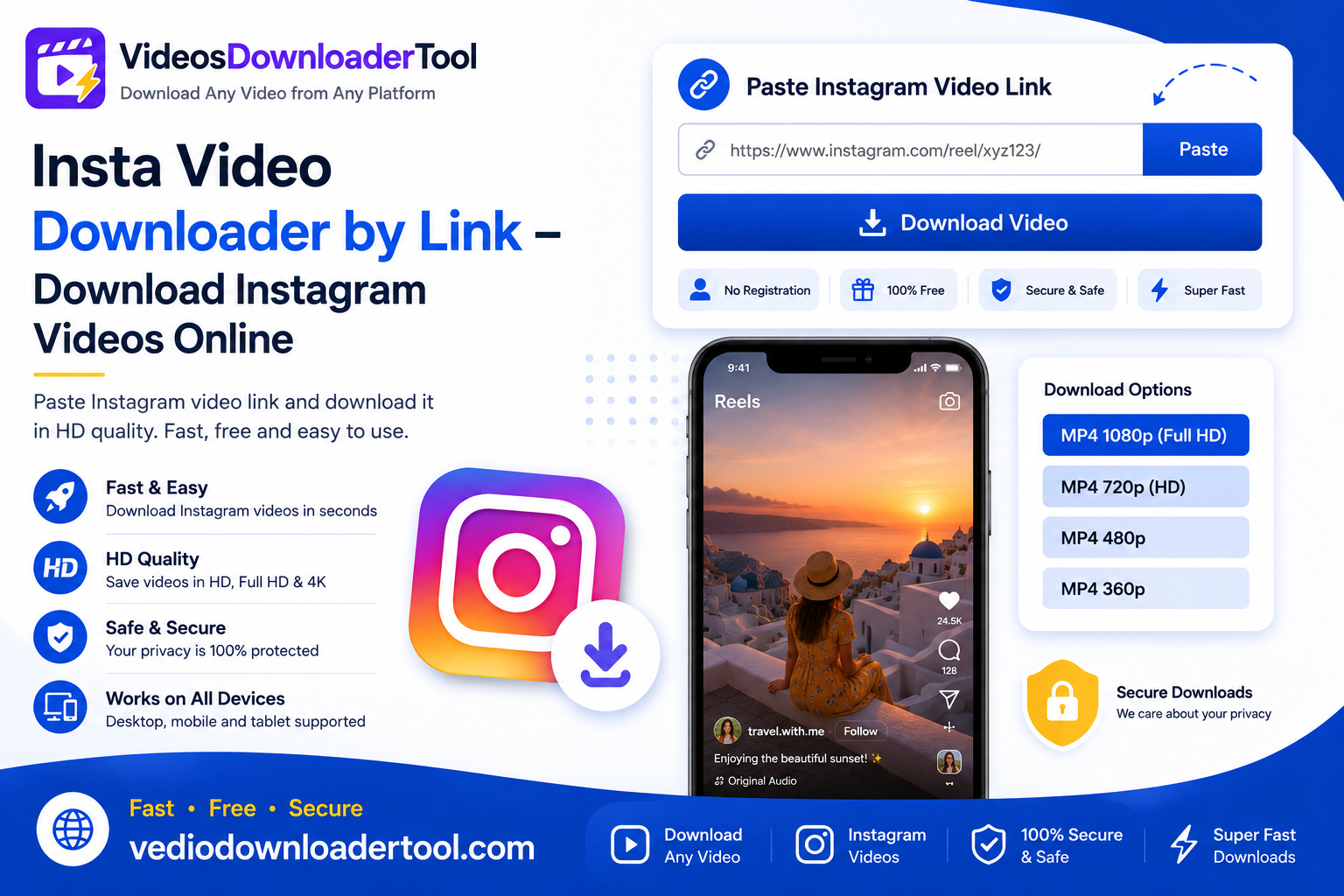
Instagram is full of content worth keeping — a Reel with a recipe you want to try, a tutorial from a creator you follow, or a post from your own business account that you never saved locally. The catch is that Instagram doesn’t offer a built-in download option for most videos.
An Insta video downloader by link solves that. It’s a browser-based tool that takes a public Instagram video or Reel link and converts it into a downloadable file, without needing an app or account. Creators use it to keep track of their own content, marketers save campaign inspiration, and everyday users just want to rewatch something without hunting through their feed again.
This guide walks through what this kind of tool actually does, how to use it step by step, which devices and browsers it supports, and what you should know about copyright before saving anything. By the end, you’ll be ready to download your first Instagram video with VideosDownloaderTool in under a minute.
Quick Answer
An Insta video downloader by link is an online tool that converts a public Instagram video or Reel URL into a downloadable MP4 file. You paste the link, select a quality option, and download — no app or sign-up needed, and only for content you’re authorized to save.
What Is an Insta Video Downloader by Link?
In short: it’s a browser-based tool that reads a public Instagram video’s link and converts it into a downloadable file, filling the gap left by Instagram’s lack of a native save option for most content.
Instagram allows saving posts to a personal collection within the app, but that doesn’t actually download the video file to your device — it just bookmarks it inside Instagram. A link-based downloader goes a step further by pulling the actual video data and letting you keep a local copy.
When people typically need this:
- Saving a Reel or post for offline viewing, like during a flight or commute.
- A creator or business wanting a local copy of their own uploaded content.
- Archiving publicly available content for research, education, or reference purposes.
Limitations to understand:
- Only public videos can be processed — private accounts and restricted content aren’t accessible.
- Instagram Stories, being temporary by nature, may not always be retrievable depending on their availability window.
- Copyright still applies. A video being public doesn’t mean you’re free to redistribute it — download responsibly, sticking to content you own or have explicit permission to use.
How Does an Insta Video Downloader by Link Work?
In short: you copy a public Instagram video’s link, paste it into the tool, the tool fetches the available video information, you pick a quality, and download the resulting MP4 — usually in under a minute.
Here’s the process broken down:
- Copy the Instagram video link — using the share option on a post or Reel.
- Paste the URL — into the downloader’s input field.
- Fetch video information — the tool checks what resolutions are available for that specific video.
- Select quality — choose the resolution that best fits your needs.
- Download MP4 — the file saves directly to your device.
Because the whole process runs in-browser, it works the same way across Chrome, Firefox, Safari, and Microsoft Edge, whether you’re on desktop or mobile, with no app permissions to grant.
How to Use the Insta Video Downloader by Link
- Open Instagram.
- Find the video or Reel you want to save.
- Copy its link using the share option.
- Visit VideosDownloaderTool.com.
- Paste the URL into the input field.
- Click Download.
- Choose your preferred video quality.
- Save the file to your device.
That’s the entire process — no account, no app installation, no extra steps.
Features of Our Instagram Video Downloader
- Free to use, with no cost for standard downloads.
- No software installation — the tool works entirely in your browser.
- Fast downloads, typically completing in seconds.
- HD quality support for videos and Reels originally uploaded in high resolution.
- Multiple resolutions, so you can balance quality against file size.
- Browser-based, requiring no app permissions or extensions.
- Secure processing with no unnecessary data retention.
- Mobile friendly design that works smoothly on both Android and iOS browsers.
- Desktop compatible across Windows, macOS, and Linux.
- Easy interface — paste, choose, download.
Benefits of Using an Insta Video Downloader by Link
- Offline viewing — watch saved Reels and videos without needing a live connection.
- Saves time — no need to search through your feed to find a video again.
- Easy access — your saved files are ready whenever you need them.
- HD downloads — choose the resolution that matches your intended use.
- Works across devices — download once, watch on any device.
- No installation — nothing extra taking up storage or needing updates.
- Fast workflow — from link to file in just a few clicks.
- Great for education and research — build an offline archive of instructional or reference content.
Common Reasons People Download Instagram Videos
- Educational content — informational Reels and tutorials saved for later study.
- Tutorials referenced repeatedly without needing to search again.
- Reels worth rewatching or sharing offline.
- Product demonstrations kept for comparison or reference while shopping.
- Marketing inspiration — reviewing publicly posted campaigns for research purposes.
- Creative portfolios — designers and editors saving public work for style reference.
- Travel videos downloaded ahead of a trip with limited connectivity.
- Fitness videos saved for offline workouts.
- Cooking videos kept for step-by-step kitchen reference.
- Offline viewing in general, for commutes, flights, or low-signal areas.
Supported Devices and Browsers
VideosDownloaderTool works consistently across common devices and browsers since everything happens in-browser rather than through an installed app.
Devices: Windows, macOS, Linux, Android, iPhone
Browsers: Chrome, Firefox, Safari, Microsoft Edge
| Device/Browser | Supported | Experience |
| Windows | Yes | Full desktop support |
| macOS | Yes | Smooth performance |
| Linux | Yes | Works via any modern browser |
| Android | Yes | Mobile-optimized, saves to gallery |
| iPhone | Yes | Browser-based, may prompt to save to Files |
| Chrome | Yes | Recommended for best performance |
| Firefox | Yes | Fully supported |
| Safari | Yes | Fully supported |
| Microsoft Edge | Yes | Fully supported |
Common Problems and Solutions
Invalid Instagram URL Make sure you’ve copied the complete link using the share option on the post or Reel, not a shortened or partial version.
Private Instagram accounts Content from private accounts isn’t accessible — this is intentional, since the tool only works with publicly viewable posts.
Deleted posts If a post or Reel has been removed, the link will no longer resolve to any content.
Unsupported links Instagram Stories and certain temporary content may not always be retrievable, depending on their availability at the time of the request.
Browser issues Clear your cache or update your browser if the page isn’t loading or behaving correctly.
Slow downloads Usually tied to your internet connection or the video’s file size rather than the tool itself — try a stronger connection.
Internet connection problems Switch to a more stable network, especially for higher-resolution downloads.
Download interruptions Restart the download once you have a stable connection; larger files are more prone to interruption on unreliable networks.
Best Practices When Downloading Instagram Videos
- Respect copyright and only download content you own or have explicit permission to save.
- Stick to publicly accessible or clearly authorized content rather than attempting to access private accounts.
- Use a secure, private internet connection when downloading, especially on public Wi-Fi.
- Choose a video quality suited to your actual need rather than defaulting to the largest file every time.
- Organize downloaded videos into clearly labeled folders.
- Keep your browser updated for the best performance and security.
Insta Video Downloader by Link vs Other Download Methods
| Feature | VideosDownloaderTool | Browser Extensions | Desktop Software | Screen Recording |
| Speed | Fast, near-instant processing | Fast, but tied to extension updates | Varies, often slower setup | Slow — real-time only |
| Ease of Use | Very easy, no install | Moderate — requires install and permissions | Harder — installation and setup steps | Easy but manual |
| Installation | None required | Browser extension required | Full software install required | Built-in OS tool, no install |
| Video Quality | Matches source resolution | Matches source resolution | Matches source resolution | Limited by screen resolution |
| Security | No extension permissions needed | Requires granting browser access | Risk from untrusted installers | No third-party access needed |
| Convenience | High — works anywhere, any device | Moderate — tied to one browser | Low — desktop only | Moderate — needs manual timing |
Frequently Asked Questions
1. Is Insta Video Downloader by Link free?
Yes, VideosDownloaderTool is completely free for standard downloads, with no sign-up or subscription required.
2. Can I download Instagram Reels?
Yes, for publicly posted Reels. Simply copy the Reel’s share link and paste it into the tool the same way you would for a regular video post.
3. Can I download HD videos?
Yes, as long as the original video or Reel was uploaded in HD. The tool shows the resolution options actually available for that specific content.
4. Is downloading Instagram videos legal?
It depends on what the content’s what rights you have to it. Downloading videos or content you made yourself. Have permission to save is okay. Taking someone Copyrighted content without their approval and sharing it again is not allowed. This can break copyright rules or Instagrams policies.
5. Can I download videos from private accounts?
No. The tool only works with publicly accessible content and cannot retrieve videos from private or restricted accounts.
Conclusion
An Instagram video downloader, by link fills a gap. Instagram does not make it easy to save most videos or Reels even ones that you have every right to keep. VideosDownloaderTool offers a free browser-based way to do exactly that working across virtually every major device and browser.
The key is using it responsibly: stick to content that you own have permission to save or are using strictly for personal offline viewing. That way you get all the convenience without any copyright concerns.
Ready to try it? Head to VideosDownloaderTool.com. Download your first Instagram video by link in seconds. If you regularly save content from platforms too explore our related tools below.
If you’re looking for another online video downloading solution, you can also explore SaveFrom. It offers browser-based downloading for supported platforms without requiring software installation. Compare its features with VideosDownloaderTool to choose the option that best fits your needs.
Leave a Reply