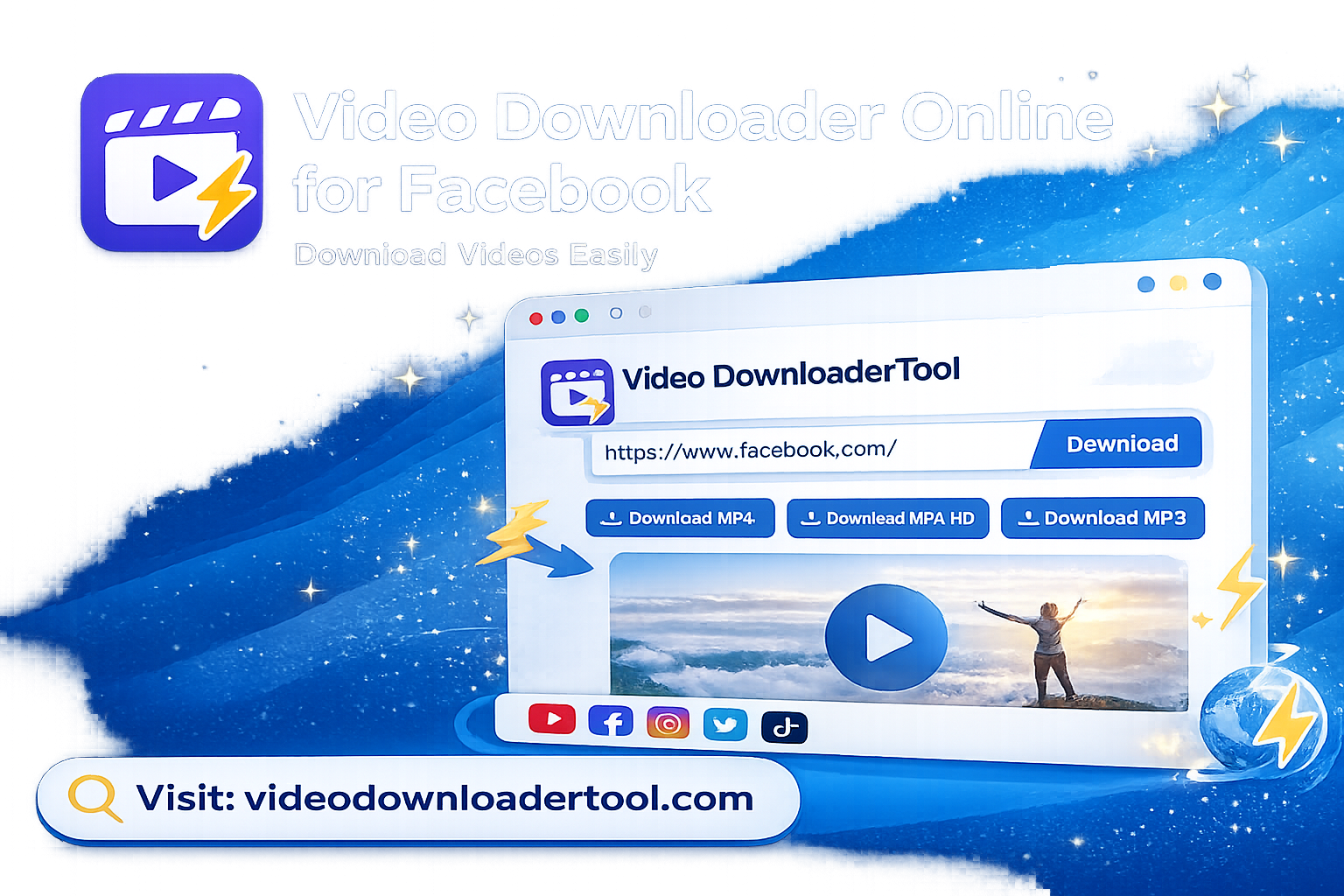
There are so many videos on Facebook you should watch and save, from tutorials to recipes, recorded live shows to business promotions, and family videos. Most of the content on Facebook doesn’t have a built-in save button, which is why a lot of people look for something that’s easy to get hold of and save for offline viewing.
Online video downloader for Facebook is a web browser-based program that allows you to paste a video link on it and receive a downloadable file typically in MP4 format, without the need to download any software. It’s favored by students recording lectures, marketers storing videos from campaigns, teachers creating offline lesson repositories, and anyone wanting to see a video again without using up mobile data.
This guide explains how these tools work, how to use one correctly, what to be mindful of, and the legal and ethical boundaries. At the end, you will find out how to download a Facebook video in just a few clicks — and how to do so responsibly.
Quick Answer
Online facebook video downloader is a web application used to get a public facebook video URL and download it as an MP4 file. Simple, no app, no extension, no account needed — you simply paste the URL, select the resolution and download. It is only applicable to videos that you have permission to save.
what is a Facebook Video Downloader Online?
In simple terms: it is a tool that does not require downloading Facebook, but rather requires you to enter a URL that includes the video from a Facebook post and then save it to your device.
You can download some of the videos you’ve uploaded to Facebook with your account settings, but not those you’ve uploaded by pages, groups or other users. These are the tools which fill that gap.
This is how it usually works in one’s workflow:
A teacher sees an excellent video explaining a concept shared in a public Facebook group and wishes to make a copy for his/her own class, which has no reliable Internet connection.
A small business owner wishes to use a video posted on their page that they’ve used for promotion but the original file is missing.
A researcher is gathering historically public content for research on a media study and requires an offline archive.
This tool is merely a converter, which reads the public video data at the back of a link and repackages it into a file that you can download. It won’t ignore privacy settings, and it won’t ever be able to watch videos that you don’t have permission to view unless they are publicly available.
Limitations worth knowing:
Only works for publicly viewed videos.
It cannot access content from private profiles, closed groups or restricted pages.
Download speed is not only related to the tool but also the size of the video source and internet connection.
Regarding copyright: having the technical capacity to download a video does not necessarily mean that they have the rights to reuse it. A video does not necessarily become copyright free when it is made public on Facebook. Keep videos for which you have rights, or videos that you are using for your own personal, non-redistributive, off-line viewing.
How to use a Facebook Video Downloader?
Basically: you copy the URL of a Facebook video, paste it into the tool, wait for it to process the URL, select a quality value, and download the resulting MP4 — this process takes less than a minute.
Breaking that down:
Use the “Copy Link” button on Facebook videos or the URL on a Facebook video page to obtain a link to the video.
Copy and paste the link into the tool — The downloader reads the link and is able to determine which video stream is linked to that post.
Processing — The tool retrieves the video data that is available and determines the options for downloading it, usually in several resolutions.
Select quality – you select the resolution (SD or HD) for the file size and the available devices.
Download the MP4 — It downloads to your downloads folder, phone gallery or selected location.
It doesn’t require any additional software, is used identical on Chrome, Firefox, Edge, or Safari, and is just as easy to use on desktop and mobile.
How to Download Facebook Videos Online
Here’s the exact process using VideosDownloaderTool:
- Open Facebook and find the video you want to save.
- Click the three-dot menu on the post and select Copy Link (or copy the URL from the address bar if you’re viewing the video directly).
- Go to VideosDownloaderTool.com.
- Paste the video link into the input box.
- Click Download.
- Select your preferred video quality from the options shown.
- Save the MP4 file to your device.
- Open the file locally anytime — no internet connection required afterward.
That’s the entire workflow. No sign-up, no software, no browser extension permissions to grant.
Features of Our Facebook Video Downloader
- Completely free to use, with no hidden charges for standard downloads.
- No software installation — everything runs in your browser.
- Fast processing, so you’re not waiting around for a simple video grab.
- HD support for videos that were originally uploaded in high resolution.
- Multiple resolution options, so you can pick a smaller file for quick sharing or a larger one for quality.
- Mobile-friendly interface that works as well on a phone screen as a desktop.
- Cross-browser compatibility across Chrome, Firefox, Edge, and Safari.
- Straightforward, clutter-free design — paste, click, download.
Benefits of Using a Facebook Video Downloader
- Offline viewing — watch saved videos without using mobile data or needing signal.
- Faster access — no need to search through Facebook again to find a video you liked.
- Consistent quality — download in the resolution you actually need for your use case.
- No installation friction — nothing to update, uninstall, or worry about taking up storage as an app.
- Cross-device flexibility — works whether you’re on a laptop, tablet, or smartphone.
- Useful for education — build an offline library of instructional videos for classrooms with limited connectivity.
- Handy for presentations — embed a locally saved video in a slide deck instead of relying on a live internet connection.
Common Reasons People Download Facebook Videos
- Educational content — lecture clips, tutorials, and how-to guides.
- Business use — a company saving its own promotional or product demo videos.
- Marketing review — analyzing publicly posted campaign videos for research purposes.
- Personal memories — saving a video from a friend’s or family member’s public post before it’s taken down.
- Recorded livestreams — grabbing a copy of a Q&A or event stream to rewatch later.
- Creative inspiration — designers and editors studying public reels for style reference.
- Research — academics or journalists archiving publicly available social media content for study.
- Offline entertainment — saving videos for a flight, commute, or area with poor signal.
Supported Devices and Browsers
VideosDownloaderTool works across virtually every modern setup, since it runs entirely through your web browser rather than through installed software.
Devices: Windows, macOS, Linux, Android, iPhone
Browsers: Chrome, Firefox, Edge, Safari
| Platform | Compatibility | Notes |
| Windows (Chrome/Edge/Firefox) | Full support | No extension needed |
| macOS (Safari/Chrome) | Full support | Downloads save to default folder |
| Android | Full support | Files save to phone gallery/downloads |
| iPhone (Safari) | Full support | May require “Save to Files” prompt |
| Linux | Full support | Works via any modern browser |
Common Problems and Solutions
Invalid Facebook URL Make sure you copied the full link from the post’s share menu or address bar, not a shortened or partial link.
Private or restricted videos If the video belongs to a private group, closed profile, or restricted page, the tool won’t be able to process it — this is by design, since it only works with publicly accessible content.
Slow downloads This is usually tied to your internet connection speed or the original video’s file size rather than the tool itself. Try switching to Wi-Fi or a stronger connection.
Unsupported videos Some live videos or very recently posted content may take extra time to become fully processable. Try again after a few minutes.
Browser issues Clear your browser cache or try an updated browser version if the page doesn’t load correctly.
Download failures Check your device’s available storage space, and confirm your browser has permission to save files.
Best Practices When Downloading Facebook Videos
- Only download videos you own, have permission to save, or are using strictly for personal, non-commercial purposes.
- Never redistribute or re-upload someone else’s video without their consent.
- Use a secure, private internet connection when downloading, especially on public Wi-Fi.
- Choose the video quality that actually matches your intended use — there’s no need to download in HD if you’re just saving a quick reference clip.
- Keep your downloaded files organized in folders by date or topic so they’re easy to find later.
- Keep your browser updated for the smoothest experience and best security.
Facebook Video Downloader vs Other Download Methods
| Feature | VideosDownloaderTool | Browser Extensions | Desktop Software | Screen Recording |
| Speed | Fast, instant processing | Fast, but limited by extension updates | Varies, often slower setup | Slow — real-time only |
| Ease of Use | Very easy, no install | Moderate — requires install and permissions | Harder — installation and setup steps | Easy but manual |
| Installation | None required | Browser extension required | Full software install required | Built-in OS tool, no install |
| Video Quality | Matches source resolution | Matches source resolution | Matches source resolution | Limited by screen/display resolution |
| Security | No extension permissions needed | Requires granting browser access | Risk from untrusted installers | No third-party access needed |
| Convenience | High — works anywhere, any device | Moderate — tied to one browser | Low — desktop only | Moderate — needs manual timing |
Frequently Asked Questions
1. What is a Facebook Video Downloader?
It’s an online tool that lets you save a publicly posted Facebook video as a file on your device, typically in MP4 format. You paste the video’s link, and the tool prepares a downloadable version, without needing any app or browser extension.
2. Is Facebook video downloading free?
Yes, VideosDownloaderTool is free to use for standard downloads. There’s no sign-up required, and no hidden fees for basic video saving.
3. Can I download Facebook videos in HD?
Yes, as long as the original video was uploaded in HD. The tool will show you the resolution options available for that specific video, so you can choose the highest quality supported.
4. Can I download Facebook videos on mobile?
Yes. The tool works directly in your phone’s browser on both Android and iPhone, with downloaded files saving to your gallery or downloads folder.
5. Is downloading Facebook videos legal?
It depends on the content and how you use it. Downloading a video you own or have permission to save is fine. Downloading someone else’s copyrighted content and redistributing it without permission is not, and could violate copyright law or Facebook’s terms of service.
Conclusion
A video downloader online for Facebook solves a problem: Facebook makes it hard to save most videos for using later even when you should be able to. Tools like VideosDownloaderTool fill that gap with a browser-based way to download videos that works on any device without needing to install anything.
Used the way. For your own videos videos you have permission to save or for watching by yourself later. This kind of tool is really helpful, in how you watch social videos. Just remember about copyright and Facebooks rules before you save or share anything that’s not yours.
Willing to give it a try? Go to VideosDownloaderTool.com. Save your first Facebook video in a few seconds.. If you often save videos from other sites too look at our other tools listed below.
If you’re looking for another online video downloading solution, you can also explore SaveFrom. It offers browser-based downloading for supported platforms without requiring software installation. Compare its features with VideosDownloaderTool to choose the option that best fits your needs.
Leave a Reply