Ever scrolled past a Reel or video on Instagram that you wanted to keep — a recipe, a workout routine, a friend’s travel clip — only to lose track of it an hour later? An Instagram video downloader solves that problem. It’s a simple online tool that lets you save Instagram videos to your phone or computer in just a few clicks, no app installs or technical know-how required. Students save tutorials, marketers save inspiration, and everyday users save moments they don’t want to lose in the endless scroll. In this guide, you’ll learn exactly how these tools work, how to use one properly, and how to do it responsibly. Ready to save your first video? Keep reading — the steps are easier than you’d think.
Quick Answer
An Instagram video downloader is a browser-based tool that lets you save public Instagram videos, Reels, and posts as MP4 files. You paste the post’s link, the tool retrieves the video, and you download it directly to your device — no software, login, or app required.
What Is an Instagram Video Downloader?
An Instagram video downloader is a web-based tool that converts a public Instagram video link into a downloadable file, usually MP4, that you can save and watch offline. It works entirely through your browser — there’s nothing to install. People turn to these tools when a video isn’t available for offline saving inside the Instagram app itself, which is the case for most posts and Reels.
The main benefit is convenience: you copy a link, paste it, and get your file in seconds. The main limitation is that it only works on public content — private accounts and restricted posts can’t be accessed this way, and rightly so, since Instagram’s own terms give creators control over how their content is shared and reused. A good downloader tool respects that boundary. Downloading a video doesn’t transfer ownership of it to you; the original creator still holds the rights, so saved videos should be used personally or with proper permission, not reposted or monetized without the creator’s consent.
How Does an Instagram Video Downloader Work?
An Instagram video downloader works by reading the public link you provide, pulling the video’s direct file location from Instagram’s servers, and converting it into a downloadable MP4 you can save to your device — the whole process typically takes just a few seconds. Here’s what happens behind the scenes, step by step:
- You copy the video’s URL from the Instagram app or website (using the Share or Copy Link option).
- You paste that link into the downloader tool.
- The tool fetches the video’s public data, including its available resolutions.
- You select a quality option — HD, standard, or a smaller file size for slower connections.
- The file downloads as an MP4, ready to open in any media player.
Because the whole process runs in your browser, it works the same way on Chrome, Firefox, Safari, or Edge — there’s no dependency on a specific operating system.
How to Use the Instagram Video Downloader
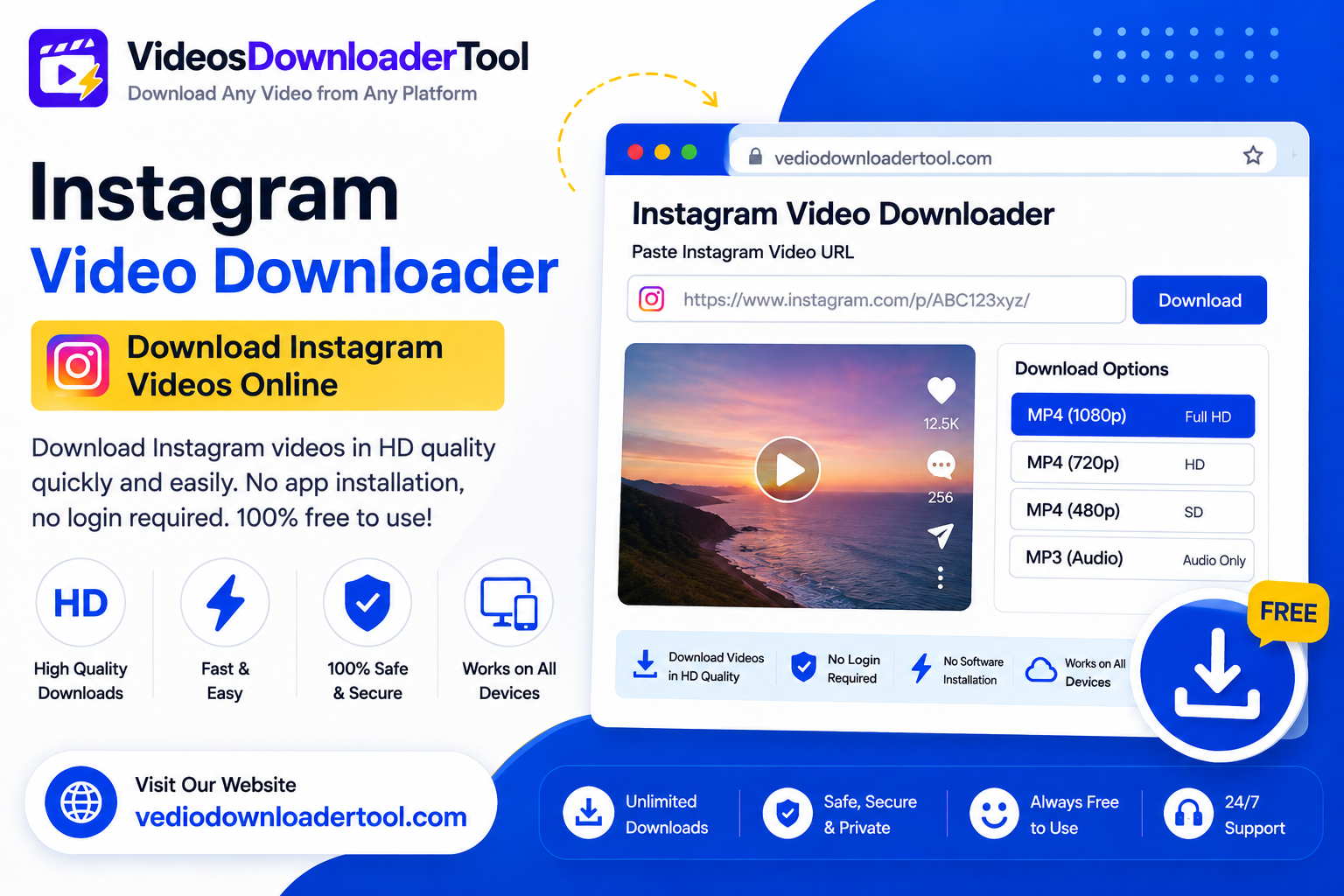
Using VideosDownloaderTool’s Instagram downloader takes less than a minute once you know the steps:
- Open Instagram (app or website) and find the video, Reel, or post you want to save.
- Tap the three-dot menu and select Copy Link.
- Go to VideosDownloaderTool.com.
- Paste the copied link into the input box.
- Click Download.
- Choose your preferred video quality from the options shown.
- Click Save and the file will download to your device.
That’s the entire process — no account creation, no browser extension, and no waiting around for ads to finish.
Features of Our Instagram Video Downloader
Our tool is built to make saving Instagram videos as fast and painless as possible, with no hidden costs or unnecessary steps. Here’s what it offers:
- Completely free to use, with no download limits
- No software installation — works entirely in your browser
- Fast processing, usually just a few seconds per video
- HD download support where the source video allows it
- Multiple resolution options so you can pick file size vs. quality
- Mobile-friendly design that works on Android and iPhone browsers
- Desktop compatible across Windows, macOS, and Linux
- Secure processing with no login credentials ever requested
- Clean, simple interface with no confusing extra steps
Benefits of Using an Instagram Video Downloader
Saving videos this way brings a handful of real, everyday advantages:
- Offline viewing — watch saved clips without needing data or Wi-Fi
- Time savings — no more searching to relocate a video you saw days ago
- Easy access — keep favorite content organized in your own folders
- Higher-quality downloads than a basic screen recording
- No installation required, so you’re not adding clutter to your device
- Cross-device compatibility between phone, tablet, and computer
- Useful for presentations and teaching, where showing a saved clip is more reliable than live-streaming one
- A simple, repeatable workflow for anyone who downloads regularly
Common Reasons People Download Instagram Videos
There’s no single reason people use these tools — the use cases are as varied as Instagram itself:
- Students and researchers saving educational Reels or explainer clips for later review
- Content creators collecting inspiration or references for their own projects
- Marketers archiving campaign content or competitor examples for analysis
- Businesses saving customer testimonials or product demo videos shared with permission
- Everyday users keeping recipes, workout routines, or travel clips for offline viewing
- Teachers pulling short clips into lesson plans or presentations
Supported Devices and Browsers
A browser-based downloader should work wherever you already browse the internet, and ours is built to do exactly that across major operating systems and browsers.
| Platform | Supported | Notes |
| Windows | Yes | Works in any modern browser |
| macOS | Yes | Full compatibility with Safari and Chrome |
| Linux | Yes | Works via Chrome or Firefox |
| Android | Yes | Mobile browser supported, no app needed |
| iPhone (iOS) | Yes | Works in Safari and Chrome for iOS |
| Chrome | Yes | Fully supported |
| Firefox | Yes | Fully supported |
| Edge | Yes | Fully supported |
| Safari | Yes | Fully supported |
Common Problems and Solutions
Even a simple tool can run into hiccups, and most of them have quick fixes:
If you get an Invalid URL error you should double check that you copied the post link. Do not copy a shortened preview link. Also make sure that the post is public.
If your downloads are slow this usually means that your internet connection is weak. You can try switching from data to Wi-Fi.. You can choose a lower resolution.
Sometimes you will get a content error. This happens when the video is too long or the format is not supported. You can try refreshing the link.. or check if the post is still live.
You will get an error if you try to download content from an account. Downloaders are not allowed to access accounts. This is not a bug it is intentional.
If you have issues, with your browser you should clear your cache.. You can try using an updated browser version. This should fix the problem if the page does not load correctly.
If your connection drops download you should restart the download. Wait until your connection stabilizes. Most files do not resume automatically so you have to restart the download.
Instagram Video Downloader vs Other Download Methods
Not all download methods are created equal. Here’s how a browser-based tool stacks up against the alternatives:
| Feature | VideosDownloaderTool | Browser Extensions | Desktop Software | Screen Recording |
| Installation required | No | Yes | Yes | No (built-in on most devices) |
| Speed | Fast | Moderate | Moderate | Slow (real-time only) |
| Video quality | Original quality | Varies | Original quality | Reduced quality |
| Ease of use | Very easy | Moderate | Moderate | Easy but tedious |
| Cross-platform | Yes | Browser-dependent | OS-dependent | Yes |
| Security | No login needed | Varies by extension | Depends on source | Safe (native feature) |
Frequently Asked Questions
Is an Instagram Video Downloader free?
Yes, VideosDownloaderTool’s Instagram downloader is completely free to use, with no hidden fees or download caps. You simply paste a link and download the file — no account or subscription required.
Can I download Instagram videos in HD?
Yes, as long as the original video was uploaded in HD. The tool shows the available resolutions for each post, and you can pick the highest quality offered.
Is downloading Instagram videos legal?
It depends on the content and how you use it. Downloading your own posts or public content for personal, non-commercial use is generally fine, but reposting or monetizing someone else’s video without permission can infringe their copyright.
Can I download videos from private Instagram accounts?
No. Downloaders can only access publicly available posts. Private account content is protected by Instagram’s privacy settings and cannot — and should not — be accessed this way.
Does the downloader work on mobile?
Yes, it works directly in your mobile browser on both Android and iPhone, with no app installation needed.
Conclusion
I found this cool thing that lets me save videos from Instagram. It is very easy to use. I do not have to spend a lot of time on it. I can just copy the link. Save the video. The video will be in quality and I can watch it on any device I want. This is great for students and people who make things and also for people who just like to look at videos.
When I save videos I have to remember to do it in a way that’s fair to the people who made the videos. I should only save videos that I have permission to use.
If I want to try this out I can go to VideosDownloaderTool.com. Paste the link to the video I want to save.
I also use websites, like YouTube and Facebook and TikTok and I found out that I can use similar tools to save videos from those websites too. They have a YouTube Video Downloader and a Facebook Video Downloader and a TikTok Video Downloader that work in the easy way.
If you’re looking for another online video downloading solution, you can also explore SaveFrom. It offers browser-based downloading for supported platforms without requiring software installation. Compare its features with VideosDownloaderTool to choose the option that best fits your needs.
Leave a Reply