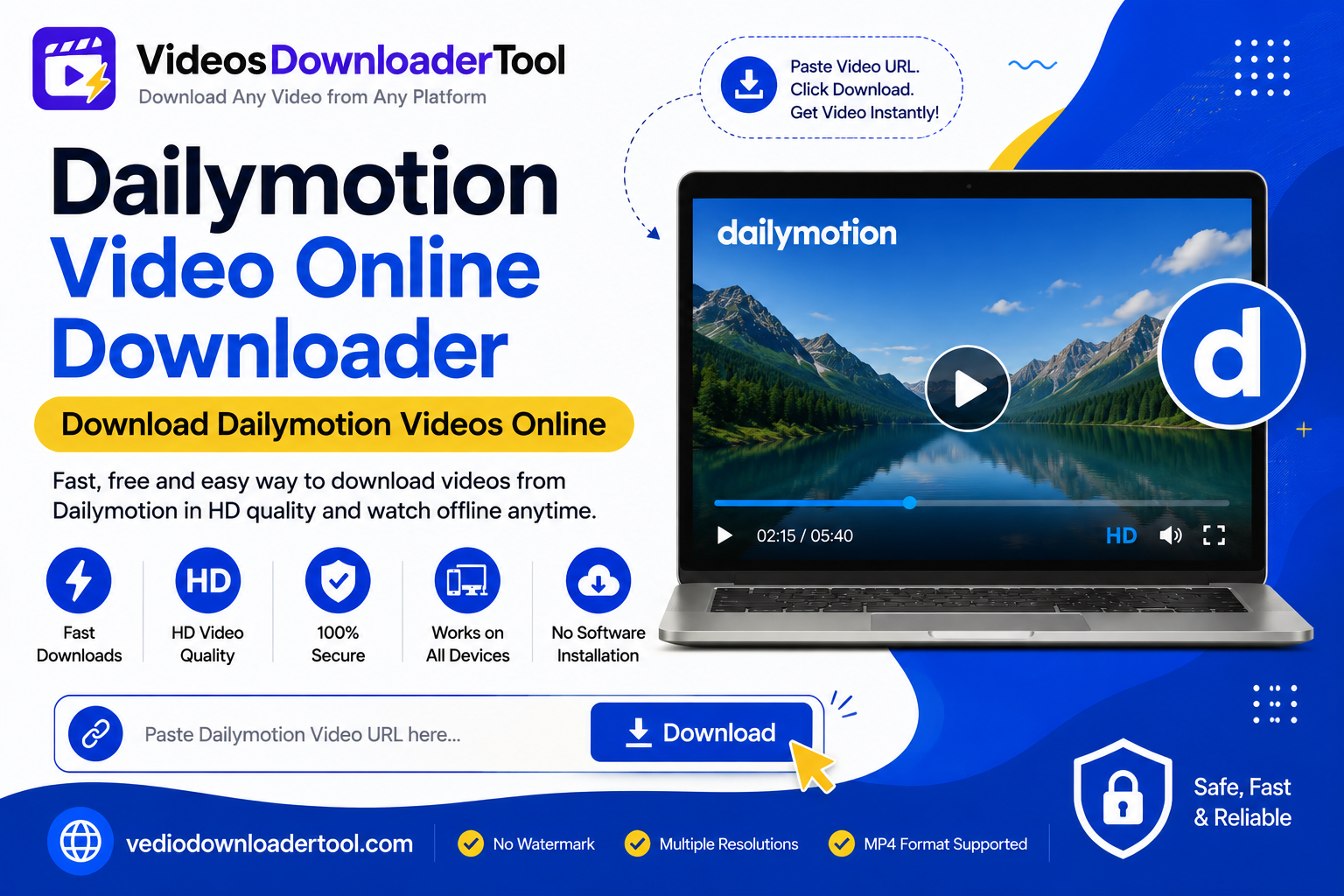
Dailymotion has quietly built up one of the internet’s better libraries of documentaries, news clips, and niche creator content — the kind of thing that’s easy to find once and hard to find again later. Unlike some platforms, Dailymotion doesn’t give viewers a built-in download button for most videos, so if you want a copy to watch offline, you need a separate tool to get it.
Quick answer
A Dailymotion video online downloader is a browser-based tool that converts a public Dailymotion video’s link into a downloadable MP4 file. It works with videos you can already view without special access, and it’s meant for personal offline viewing — not for redistributing someone else’s content.
What Is a Dailymotion Video Online Downloader?
In short: A Dailymotion video online downloader is a web tool that saves a public Dailymotion video as a video file using its URL. Dailymotion doesn’t offer a native download option for most content, so the tool fills that gap — but only for videos you’re already allowed to view, and only for personal use.
A few things shape how to use this kind of tool responsibly:
- Dailymotion enforces copyright actively. The platform works directly with rights holders and removes infringing content through copyright takedowns, so a video staying up doesn’t automatically mean it’s free to download and reuse.
- Downloading is not the same as owning reuse rights. Saving a public video for your own offline viewing is one thing; reposting it elsewhere, monetizing it, or editing it into your own content without permission is a separate copyright issue.
- Private or restricted videos aren’t accessible through a downloader, and that’s intentional — if a video requires special access to view, a downloader shouldn’t be used to get around that.
Within those boundaries — personal backups of your own uploads, or offline viewing of public videos — a downloader is a straightforward, useful tool.
How Does a Dailymotion Video Online Downloader Work?
In short: You copy the link to a public Dailymotion video, paste it into the downloader, and the tool retrieves the video so you can pick a quality and save it as an MP4 through your browser, without installing anything.
The process step by step:
- You copy the video’s URL from the Dailymotion page.
- The tool reads the public video information tied to that link.
- It shows the available quality options, if more than one resolution exists.
- You select a resolution.
- The file downloads through your browser, saving as an MP4 to your device.
Since it all runs in the browser, there’s nothing to install, and the steps are identical whether you’re on a phone or a desktop.
How to Use the Dailymotion Video Online Downloader
Here’s the actual step-by-step:
- Open Dailymotion and find the public video you want to save.
- Copy the video’s URL from the address bar.
- Go to VideosDownloaderTool.com.
- Paste the URL into the input box.
- Click Download.
- Choose your preferred video quality.
- Save the file to your device.
Features of Our Dailymotion Video Online Downloader
In short: The tool is free, runs entirely in the browser, and needs no installation. It supports HD resolution where available, works on mobile and desktop alike, and doesn’t require a Dailymotion account to process a standard download.
- Free to use for standard downloads.
- No software installation — works straight from a browser tab.
- Fast processing, usually within seconds of pasting a link.
- HD support where the source video allows it.
- Mobile and desktop friendly, same steps on either.
- No account required — you don’t need to log in to Dailymotion to use it.
- Clean, simple interface.
Benefits of Using a Dailymotion Video Online Downloader
- Offline viewing for flights, commutes, or spotty connections.
- No more lost videos — keep a copy instead of hoping you can find it again.
- Consistent workflow across phone and desktop.
- Nothing to install beyond the video file itself.
- Useful for researchers and journalists referencing public documentary or news content, with proper attribution.
- Good for educators saving public educational clips for offline classroom use.
Common Reasons People Download Dailymotion Videos
Documentaries and long-form content people want to watch without streaming interruptions.
News clips journalists or researchers reference later.
Educational videos teachers save for classroom use without relying on live internet access.
Tutorials kept on hand for step-by-step reference.
Creator content studied for inspiration or format research.
Travel viewing, downloaded ahead of time for flights.
Personal archiving of a creator’s own uploaded videos.
Supported Devices and Browsers
The downloader works on any major operating system and browser since it’s entirely web-based — Windows, macOS, Linux, Android, and iPhone are all supported without needing dedicated apps.
| Platform | Supported | Notes |
| Windows | Yes | Works in any modern browser |
| macOS | Yes | No extra permissions needed |
| Linux | Yes | Browser-based, no install |
| Android | Yes | Chrome, Samsung Internet, and more |
| iPhone / iPad | Yes | Safari and Chrome supported |
| Browser | Supported |
| Chrome | Yes |
| Firefox | Yes |
| Safari | Yes |
| Edge | Yes |
Common Problems and Solutions
“Invalid URL” error — Double-check you copied the complete video link from the Dailymotion page itself.
Slow download — Usually a local connection issue; try a different network or a lower resolution.
Unsupported video — Some livestreams or special embeds may not process the same way as standard uploads.
Browser issues — Try clearing your cache or switching browsers if the page misbehaves.
Internet connection problems — A stable connection matters more for HD-quality files.
Download interruptions — If a download stalls, simply try again.
Dailymotion Video Online Downloader vs Other Download Methods
| Feature | VideosDownloaderTool | Browser Extensions | Desktop Software | Screen Recording |
| Speed | Fast | Moderate | Moderate | Slow (real-time only) |
| Ease of use | Very easy | Moderate | Requires setup | Moderate |
| Installation | None | Extension required | Full install required | Sometimes required |
| Video quality | Up to available HD | Varies | Varies | Limited by screen resolution |
| Convenience | High (any device) | Browser-specific | Desktop-only | Any device, but re-encodes video |
| Security | No install, browser-based | Extension permissions needed | Larger attack surface | No install needed |
Screen recording captures the screen in real time and re-encodes it, so quality typically suffers compared to the original file. Extensions and desktop software can offer more features but require ongoing updates and permission management — worth weighing against a simple browser-based tool if all you need is a quick, one-off download.
Frequently Asked Questions
Is a Dailymotion Video Online Downloader free?
Yes the main download feature, on VideosDownloaderTool.com is free. Copy a link choose a quality and save with no account required for downloads.
Can I download Dailymotion videos in HD?
Yes, where the original video was uploaded in HD. The resolutions available depend on how the video was originally posted.
Is downloading Dailymotion videos legal?
Saving your videos that you uploaded is easy. When it comes to public videos on Dailymotion a lot of people download them so they can watch them when they are not connected to the internet. This is something that people do. It is not what Dailymotions website is meant for. If you want to share make money from or give away someone Video you need to get their permission first. If you do not get permission that is when you can get in trouble, for copyright issues with Dailymotion videos.
Can I download private Dailymotion videos?
No. Private or restricted videos are only accessible to their intended audience, and that setting can’t be worked around. Ask the uploader directly if you need a copy.
Does the downloader work on mobile?
Yes, it works the same on Android and iPhone as it does on desktop, since it’s browser-based rather than an installed app.
Conclusion
A Dailymotion video online downloader fills a need: Dailymotion does not have a built-in way to save most Dailymotion videos so people who want to watch Dailymotion videos offline need to use a separate tool. The steps to download a Dailymotion video are easy. You just copy the Dailymotion video link paste it choose the quality of the Dailymotion video and save the Dailymotion video.
What is really important is what you do with the Dailymotion video after you download it. If you save a public Dailymotion video to watch it offline that is okay.. If you use someone elses Dailymotion video without asking them that is not okay. Dailymotion makes sure that people do not use copyrighted Dailymotion videos without permission.
So you should only use a Dailymotion video downloader for your Dailymotion videos or for personal use of public Dailymotion videos. This way a Dailymotion video downloader is a tool for your Dailymotion videos. You can use a Dailymotion video downloader to watch your Dailymotion videos or public Dailymotion videos when you’re offline. Dailymotion video downloaders are helpful, for people who want to use Dailymotion videos for use like watching your favorite Dailymotion videos.
If you’re looking for another online video downloading solution, you can also explore SaveFrom. It offers browser-based downloading for supported platforms without requiring software installation. Compare its features with VideosDownloaderTool to choose the option that best fits your needs.
Leave a Reply